


DEF/EGR/DPF Delete for GM 2006-2007 LBZ 6.6L Duramax All-in-One Kit

Secure and trusted checkout with


Product Information +
- Brand: SPETUNER
- SKU: #10431
- Availability: Many in stock
- Product Type: Delete Kit
-
 PLEASE NOTE!

Fast Shipping

1-Year Warranty

14-Day Returns

Secure Checkout
- Description
- Frequently Asked Questions
- Review + Q&A
DEF/EGR/DPF Delete for GM 2006-2007 LBZ 6.6L Duramax All-in-One Kit
Description:
We've packaged all the necessary parts needed for you to delete your off-road 2006-2007 LBZ 6.6L Duramax All-in-One DPF/DEF/EGR Delete Kit!
Note: Your Tuner may be subject to import fees. Please accept the delivery and email us at service@spetuner.com to resolve any charges. Thanks!
Fitment:
2006-2007 GMC Sierra 2500 HD / 3500 HD, LBZ 6.6L Duramax Diesel Engine
2006-2007 Chevrolet Silverado 2500 HD / 3500 HD, LBZ 6.6L Duramax Diesel Engine
In this package you will receive the following items:
- DPF Delete Race Pipe
- EGR Delete Kit
- Tuner

Benefits achieved from this delete kit:
- Free-flowing exhaust system for more power and better fuel economy
- Improved combustion chamber temperatures
- Better longevity of your engine's cooling and exhaust system
- Increased power from more powerful tune flashes
- All the necessary parts needed to fully delete your 2006-2007 LBZ 6.6L Duramax
Attention:
Tuner V3 is a custom product and cannot be returned or exchanged. Please double-check before purchasing.
This product is designed exclusively for off-road and racing purposes. Removing the Diesel Particulate Filter (DPF) may breach emissions laws; please ensure you're familiar with and adhere to local regulations before proceeding with installation.
Uploading Off-Road Calibration to Your AutoCal Device:
-
Download Required Software:
- Use a USB cable to connect your AutoCal device to a Windows 10 or newer PC.
- Obtain the necessary EFILive software from the official download page: Click here
-
Consult the User Manual:
- For detailed guidance on using the EFILive AutoCal V3, refer to the user manual: Click here
-
Firmware Update Video Tutorial:
- If you prefer visual instructions, watch this video on updating the firmware: Click here
Important: Update Your AutoCal Firmware Before Loading the New Off-Road Tune File. Failure to do so may result in compatibility issues and potential damage to your Engine Control Module (ECM).
Firmware Update Steps:
-
Update EFILive Software:
- Open the EFILive V8 Scan and Tune software.
- Click on "Check for Updates" on the homepage. If an update is available, follow the prompts to install it.
-
Update Firmware and Configuration Files:
- Within the EFILive V8 Scan and Tune software, select "Check Firmware."
- In the dialog box that appears, choose the options to update both the Firmware Version and the Configuration Files.
After completing these updates, your AutoCal device will be ready for reprogramming.
AutoCal Reprogramming Overview:
Note: Use EFILive Scan and Tune software for programming. Do not use Explorer unless specifically instructed.
Quick Setup Programming:
The Quick Setup method efficiently programs all necessary files to make your AutoCal functional. Your tuner should provide you with a .bbx quick setup file via email.
-
Save the
.bbxFile:- Download and save the
.bbxfile from your tuner to the following directory:Documents\EFILive\V8\BBX - Alternatively, you can save it to your Downloads or Desktop folder.
- Download and save the
-
Connect AutoCal to PC:
- Attach your AutoCal device to your PC using a USB cable.
- Launch the V8 Scan and Tune software.
-
Load the Quick Setup File:
- Navigate to
[F5: BBX]->[F6: Quick Setup]within the software. - Click on
[Open Quick Setup]and locate the.bbxfile you saved earlier.
- Navigate to
-
Program the Device:
- Avoid altering any settings unless directed by your tuner.
- Select
[Program Quick Setup]to transfer the device settings, controller configurations, and tune files to your AutoCal.
Special Note for 2018+ Cummins Off-Road Vehicles:
Before re-flashing your truck, ensure the bypass cable is installed.
Caution During Flashing Process:
While the flashing process is underway, refrain from interacting with any electronic accessories. This includes avoiding actions such as using the radio, opening or closing doors, or operating windows.
By carefully following these steps and precautions, you can successfully upload the new off-road calibration to your AutoCal device.
Installation instructions
EFILive AutoCal Vehicle Installation
2018-2021 Cummins Bypass Cable Installation
CUMMINS CCV SOTF Switch Installation
Shipping Policy:
At SPETUNER, we understand the importance of timely delivery when it comes to your performance parts. We are committed to ensuring a seamless shipping experience, striving to dispatch your orders with utmost efficiency and speed.
Our Shipping Policy: Our aim is to dispatch all orders within two business days, providing you with a quick and efficient processing time. However, please bear in mind that unforeseen circumstances beyond our control may occasionally impact shipping times.
FACTORS AFFECTING SHIPPING:
- Weather Conditions: While we pride ourselves on our fast and efficient order processing, adverse weather conditions such as rain, snow, or sleet may affect delivery timelines.
- Holiday Periods: Our shipping center will be closed on holidays. We will resume shipping promptly on the next business day. During peak seasons, please allow for potential delays.
- Staff Availability: Unforeseen circumstances can occasionally affect our staffing levels. In such cases, we may experience minor delays, but we are committed to resolving them swiftly.
We genuinely appreciate your understanding and patience. Be assured that we will utilize every resource available to deliver your performance parts to you promptly.
Thank you for choosing SPETUNER, where our passion fuels our commitment to outstanding customer service.
Q1: What is included in the LBZ 6.6L Duramax All-in-One Delete Kit?
A1: This comprehensive package includes a DPF Delete Race Pipe, a complete EGR Delete Kit, and a pre-loaded EFILive AutoCal V3 Tuner specifically configured for the 2006-2007 LBZ engine.
Q2: Will this kit fit my 2006 Chevrolet Silverado 2500 HD?
A2: Yes, this kit is specifically designed for 2006-2007 GMC Sierra and Chevrolet Silverado 2500 HD / 3500 HD models equipped with the LBZ 6.6L Duramax diesel engine.
Q3: What are the main benefits of installing this delete kit on my LBZ?
A3: Key benefits include a free-flowing exhaust for increased horsepower, improved fuel economy, lower combustion temperatures, and enhanced longevity of your engine's cooling and exhaust systems.
Q4: Why must I update the AutoCal firmware before loading the tune?
A4: Updating to the latest EFILive firmware is critical to ensure compatibility. Failure to do so can result in communication errors or potential damage to your truck's Engine Control Module (ECM).
Q5: Can I return the AutoCal V3 Tuner if I change my mind?
A5: No. The Tuner V3 is a custom-programmed product tied to your specific VIN; therefore, it cannot be returned or exchanged once the order is processed. Please verify your vehicle details before purchasing.
Q6: How long does shipping take for the LBZ All-in-One Kit?
A6: We aim to dispatch all orders within two business days. Delivery times may vary slightly based on weather conditions, holiday periods, or courier availability.
Q7: What should I do if I am charged import fees upon delivery?
A7: If your tuner is subject to import fees, please accept the delivery and immediately email us at service@spetuner.com with your receipt to resolve the charges.
Q8: Is this delete kit legal for street use?
A8: This product is designed exclusively for off-road and racing purposes. It is the user's responsibility to ensure compliance with local emissions laws and regulations before installation.
Q9: What precautions should I take during the ECM flashing process?
A9: While flashing, do not interact with any electronics. Avoid using the radio, opening/closing doors, or operating windows, as power fluctuations can interrupt the programming process.
Q10: Where can I find the installation guides for the EGR and Tuner?
A10: Detailed PDF manuals for EFILive AutoCal installation and DSP5 switch setup are available via the links in the "Installation Instructions" section on this product page.
Let customers speak for us
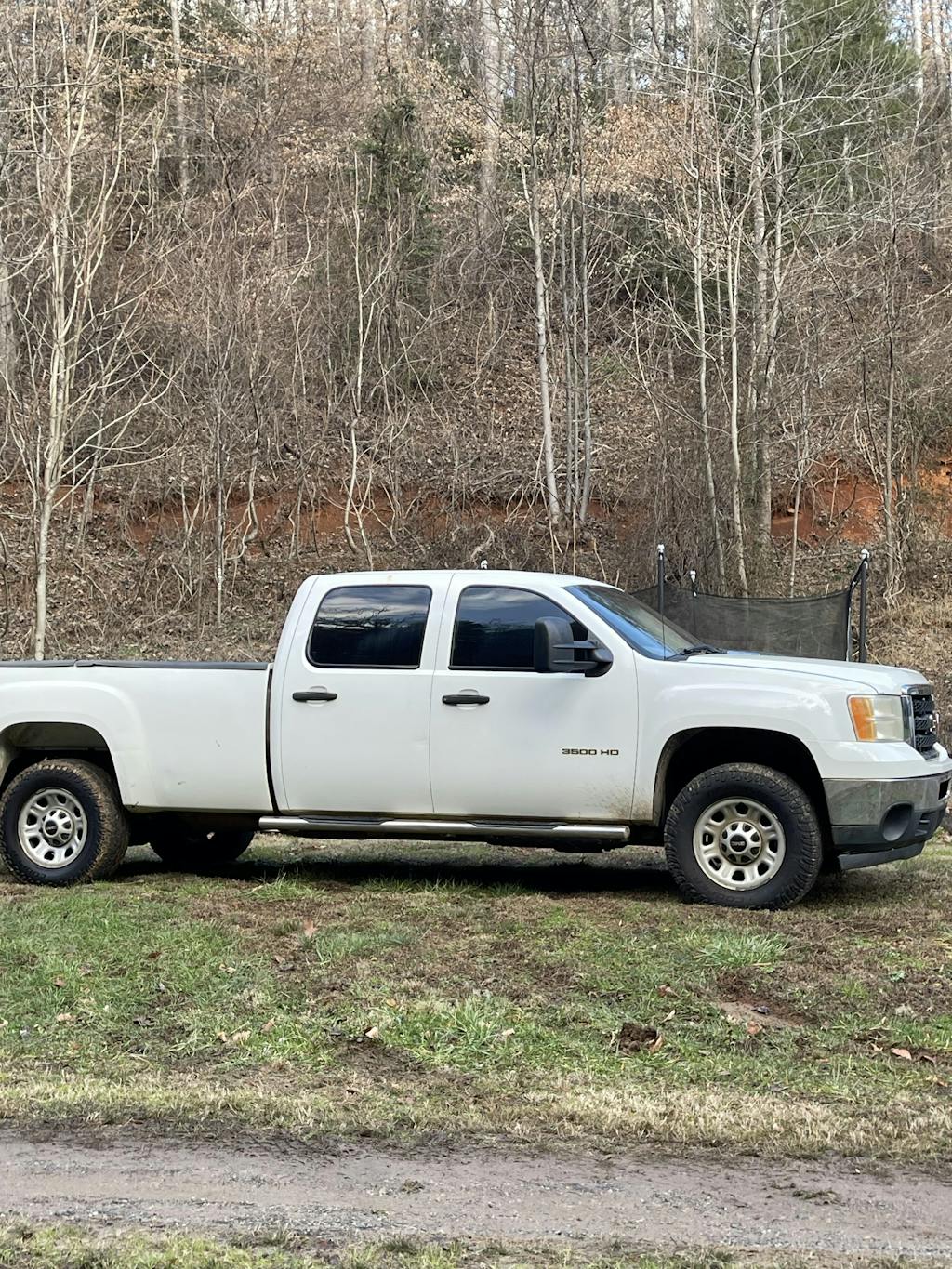
The reroute kit was high quality and easy to assemble it really cleaned up the space on my 2014 lml .
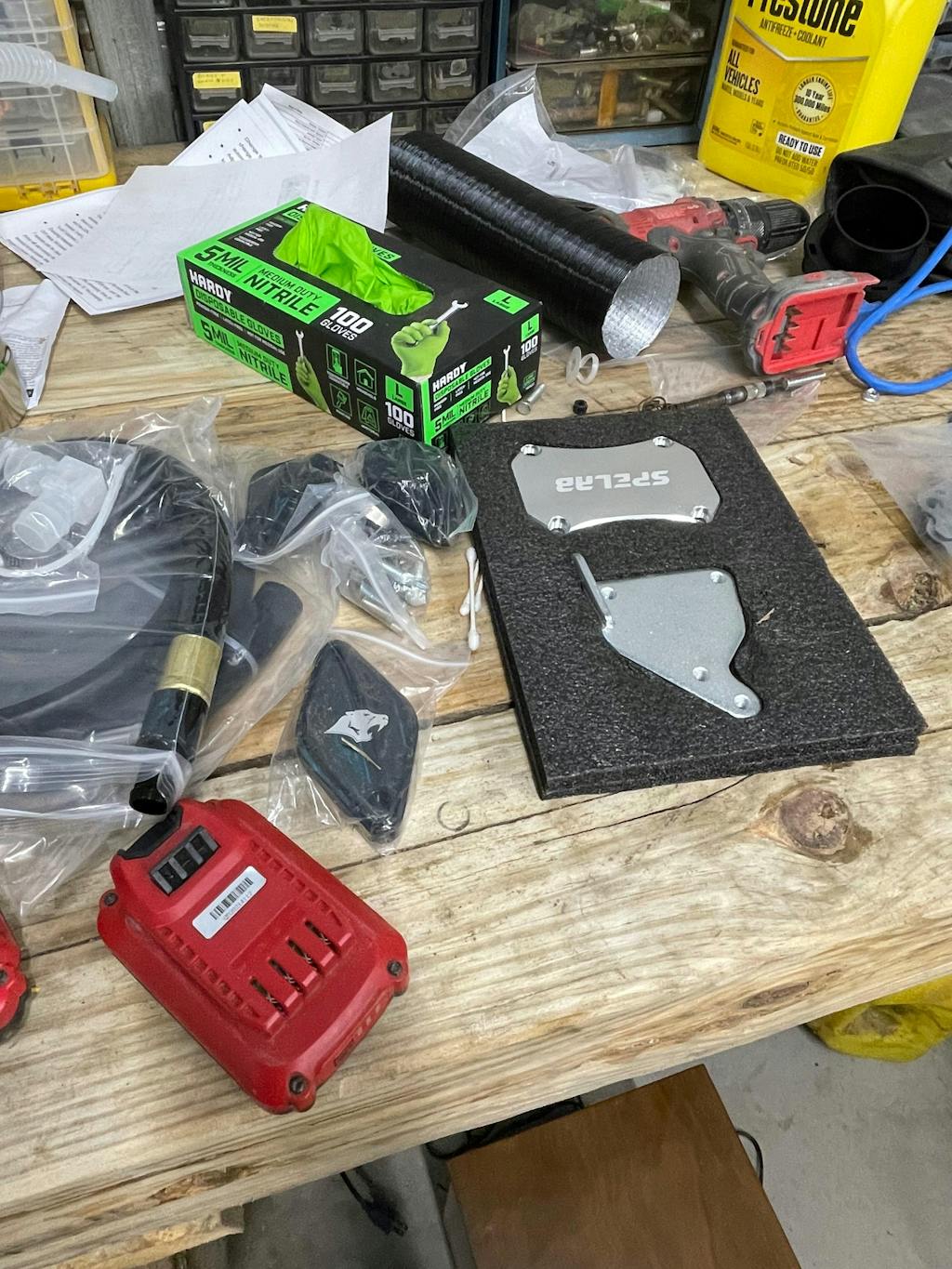
The price doesn’t Reflect on the product. Very high quality heavy duty parts . The only thing lacking is instructions that would have put this kit over the top . I did the full lml delete and pcv reroute . The kit doesn’t come with the up pipe you have to order that separate.

Better sound, more power. Love it!
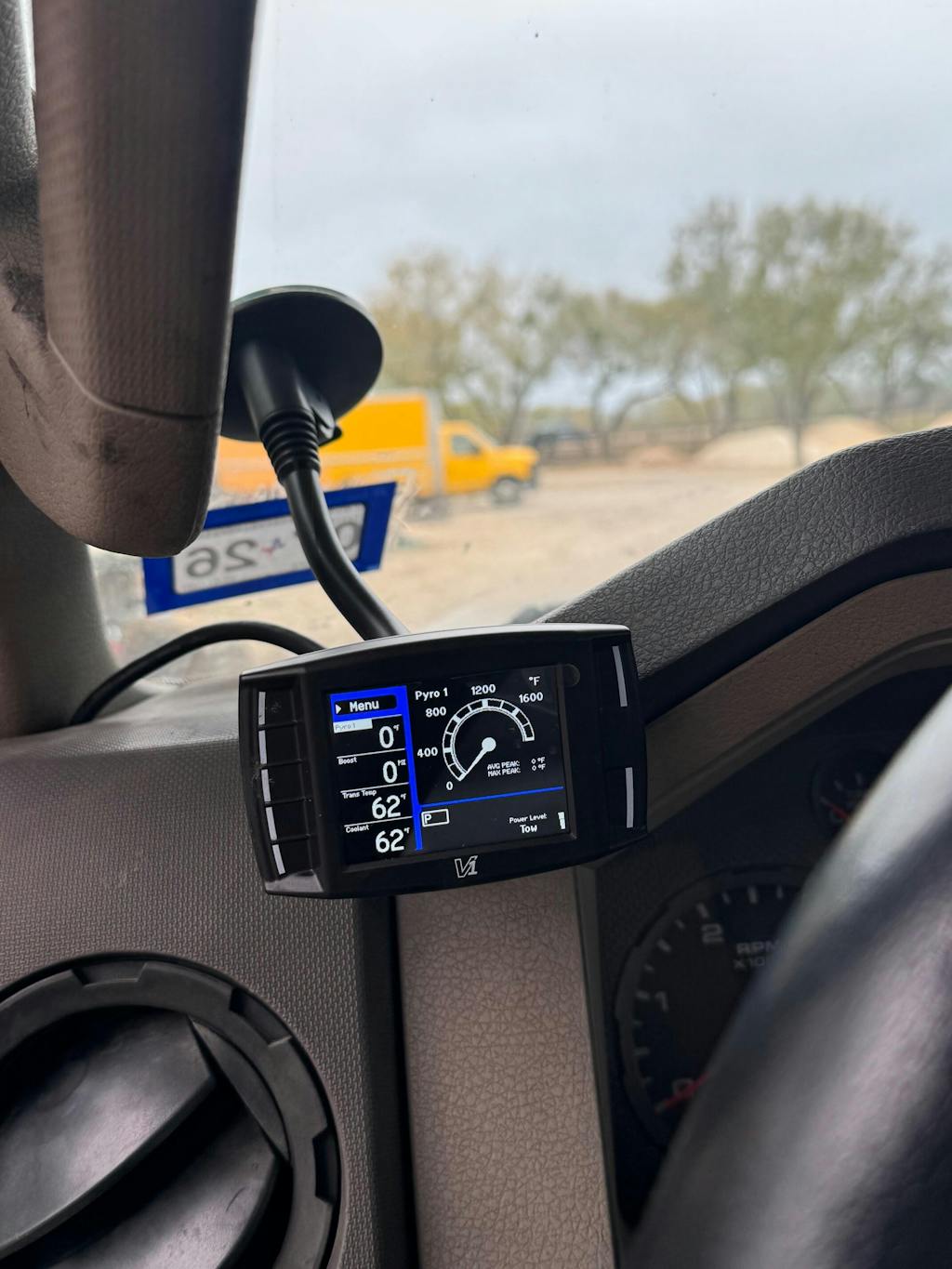
Purchased SPE delete for a F450. Was a little more than I could do to install. Took to my mechanic who installed it. He couldn't stop raving about the quality of the kit, and the difference it made in the truck's performance. This truck would endlessly code saying "cleaning exhaust filter" over and over. All of that nonsense is gone, the truck runs 100% better. AND went from 8.9 mpg to 15.1 mpg! Overly satisfied!
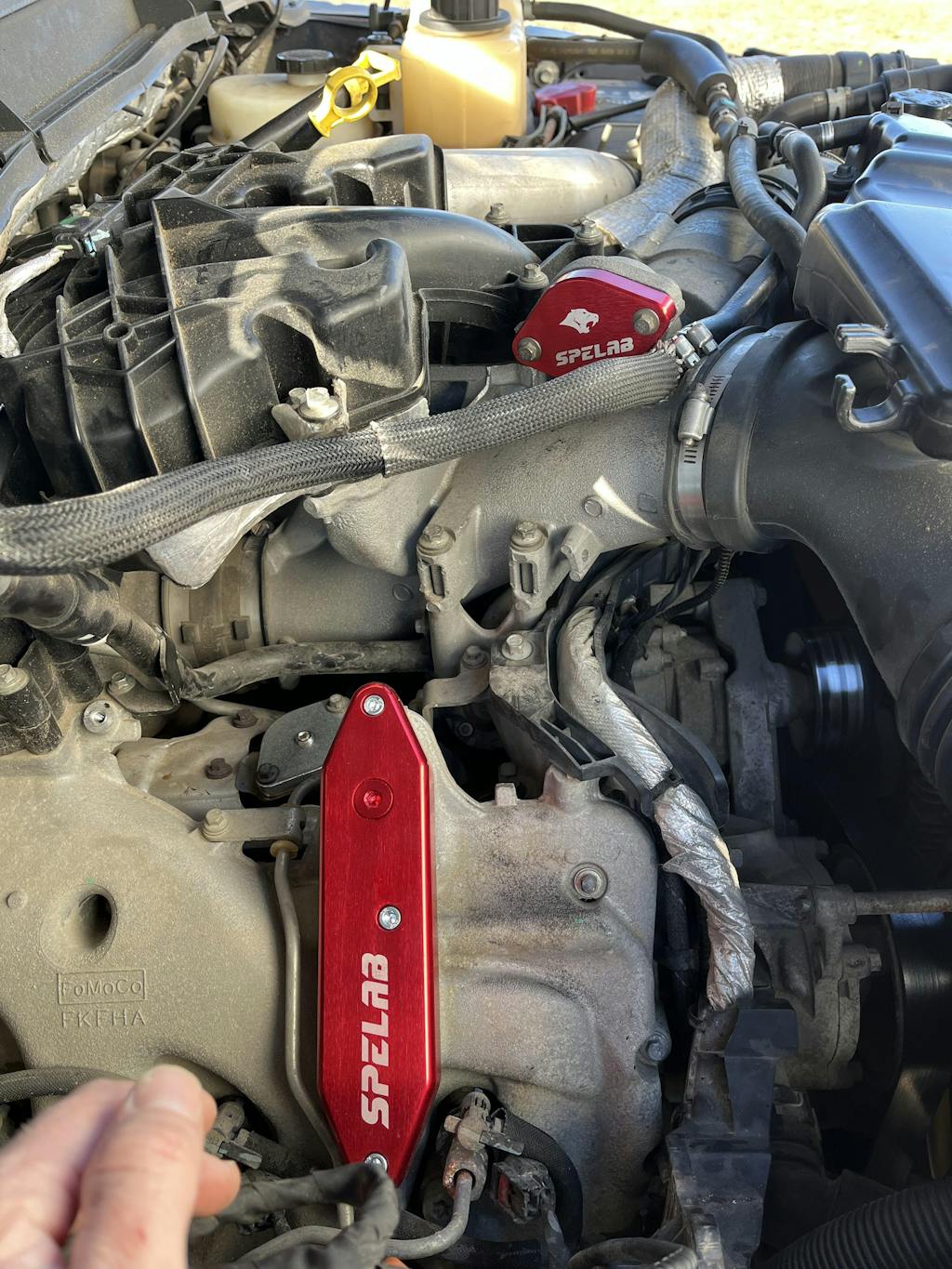
Everything went together good besides having to figure out the installation with only pictures. A video or better installation instructions would have been very helpful. Truck runs and sounds great now!

I was a little scared it would make the truck sound like a soda can but it actually sounds deeper and way better so I can’t complain easy to install ( if you have the long bed you may need to cut back 4” off one of the middle pipes to get the hangers to line up very easy solution make sure you cut the side that doesn’t have a bell end)
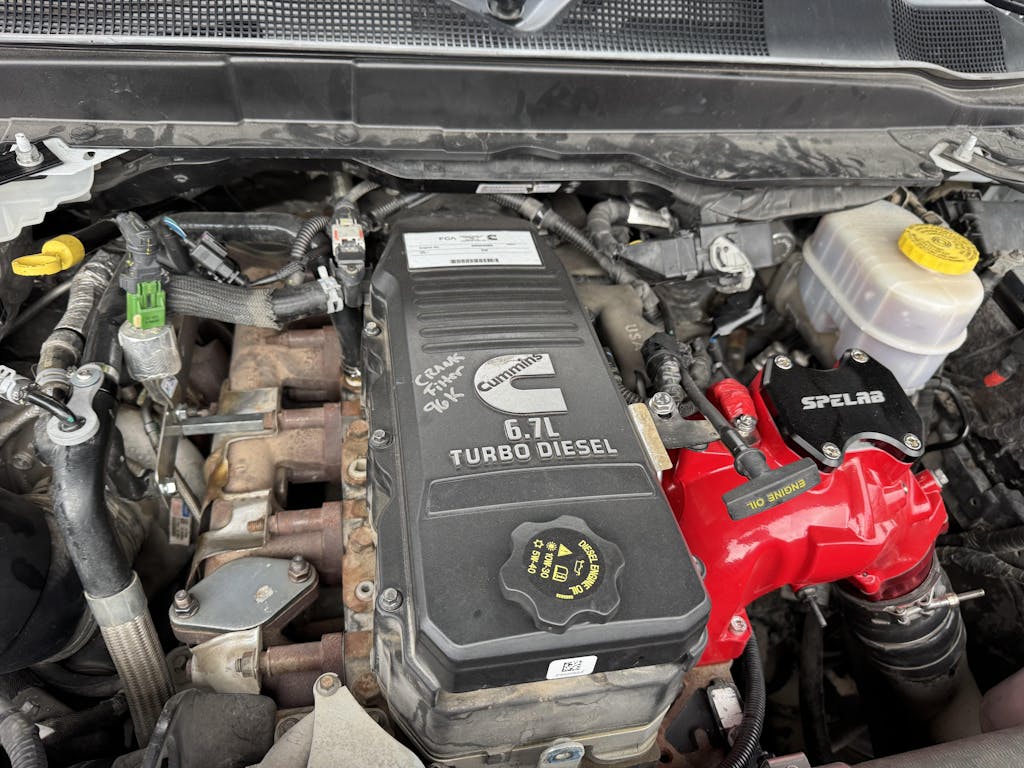
be sure to update mini Maxx with the latest firmware 2.0.0.8 FIRST! I learned that lesson😟
I also on my 2019 ram ended up plugging OBD bypass into middle row fourth one up after doing that I got zero codes truck runs great !! customer service isn't a whole lot of help mini maxx responds to emails but not quickly.
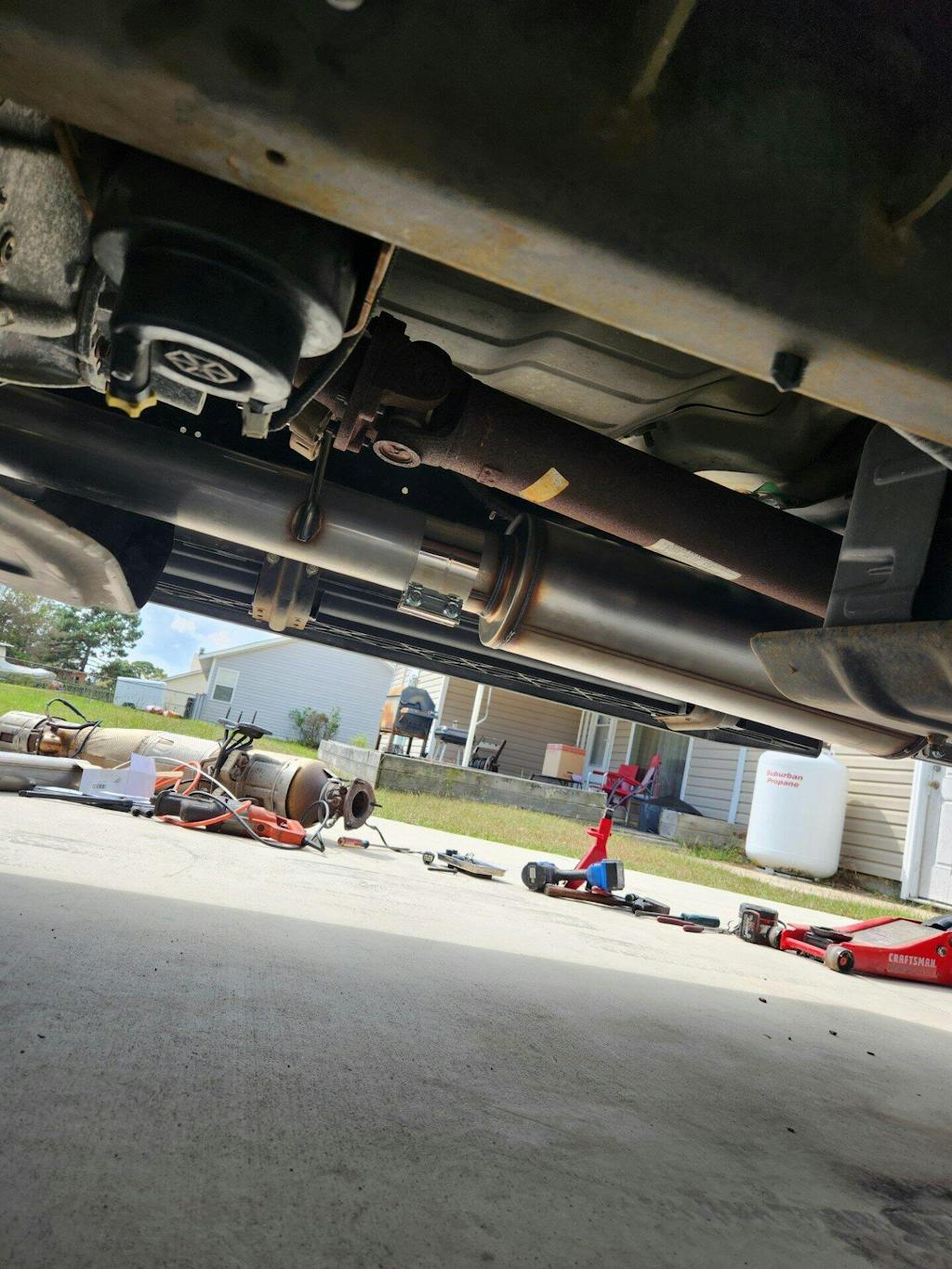
The product is great. Does what it's designed to do.
The instructions? Not so much. Luckily, the Customer Service people do their best when emailed and walk you through the process start to finish. The only other thing I'd like to see are the basic beginning settings for setting up "defuel". Every engine is different (Ford/Chevy/Dodge) and finding this info through forums is terrible.
I currently have the DPF deleted, the EGR turned off, and the race pipe has a 27" stainless resonator added to keep it quiet. It rolls coal on "Extreme" and the increase in power on "Stock" is very apparent. I run it on "Stock" 100% of the time and gained over 2 mpg so far on the first tank.
2013 F350 Crew Cab Dually 50225 miles on odometer. No rust anywhere, pristine Cali truck. I guess the original owner couldn't afford to drive it. LOL
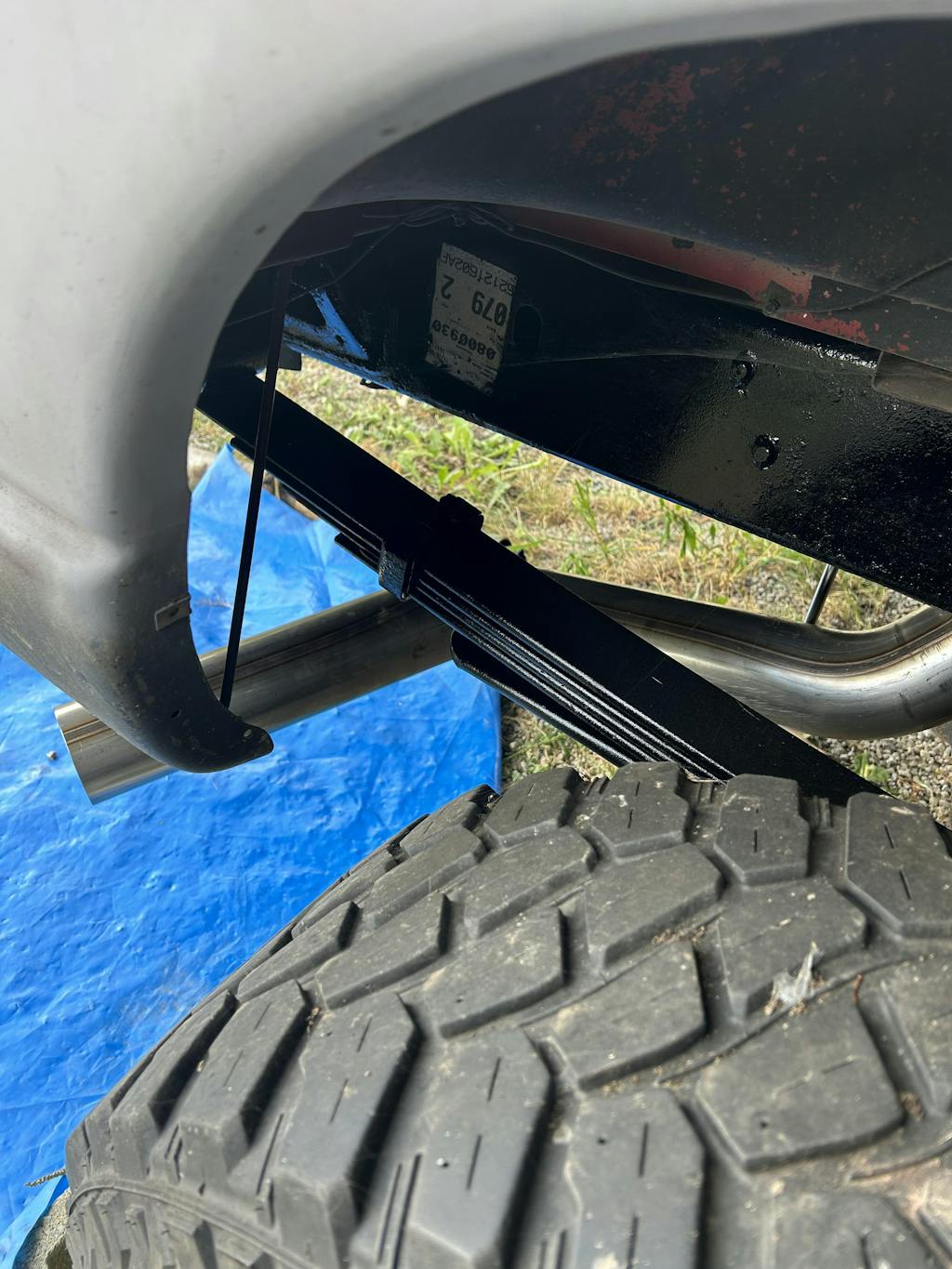
It was packaged very nicely, quality is top notch and installation was very easy. Had installed in about an hour. That was taking my time and removing the old exhaust. Would highly recommend!
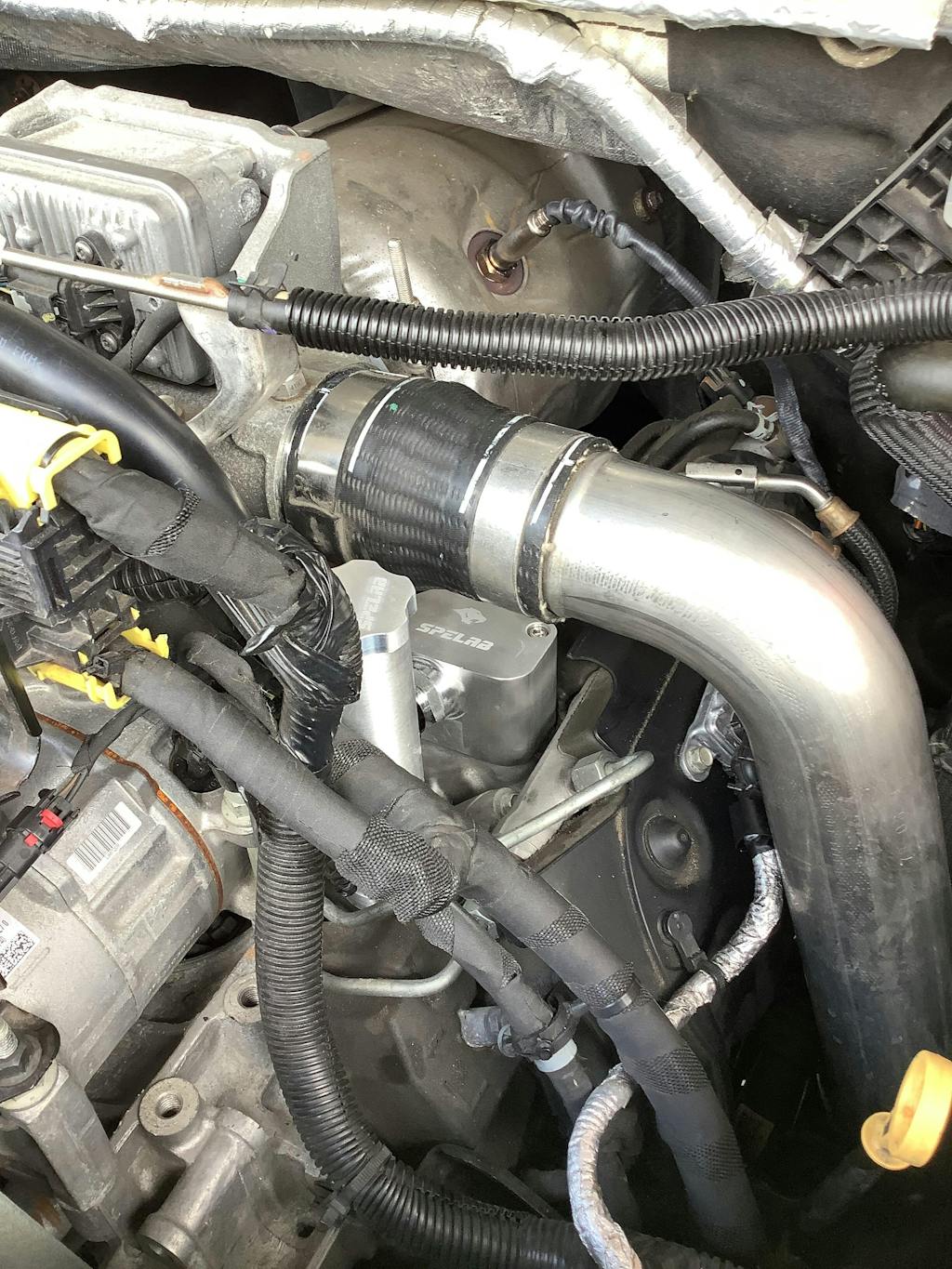
The craftsmanship is superb and wish I could say the same for the OEM Plastic CCV box. The four security screws were challenging and used Irwin external extractors versus easy outs.
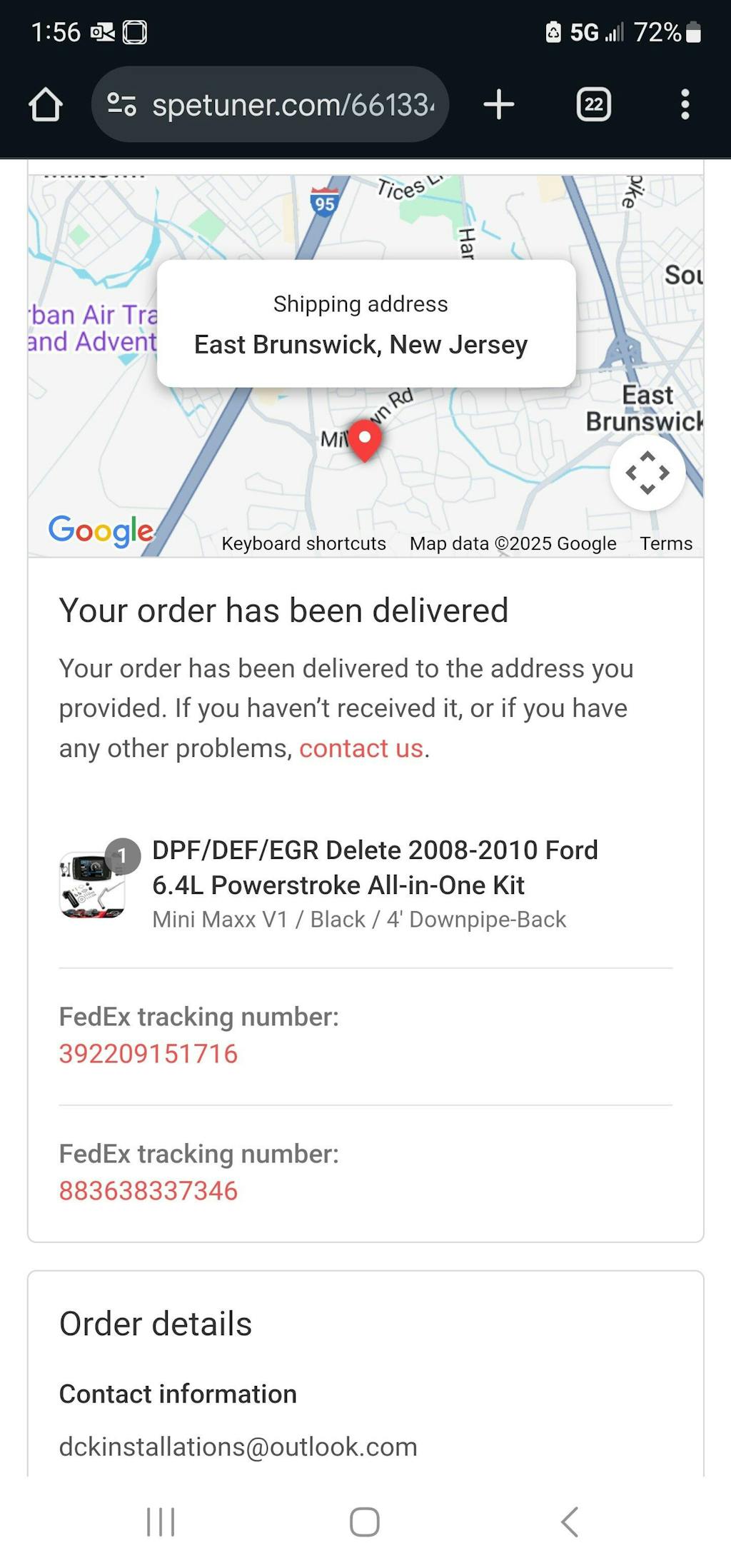
I received both the EGR and Downpipe delete kit quick but there is no Tuner! No tracking number for the tuner and says all my parts have been delivered! What the heck no one spent a grand on a straight pipe and EGR! However they did fix it promptly and I did receive the tuner! So I would say five stars
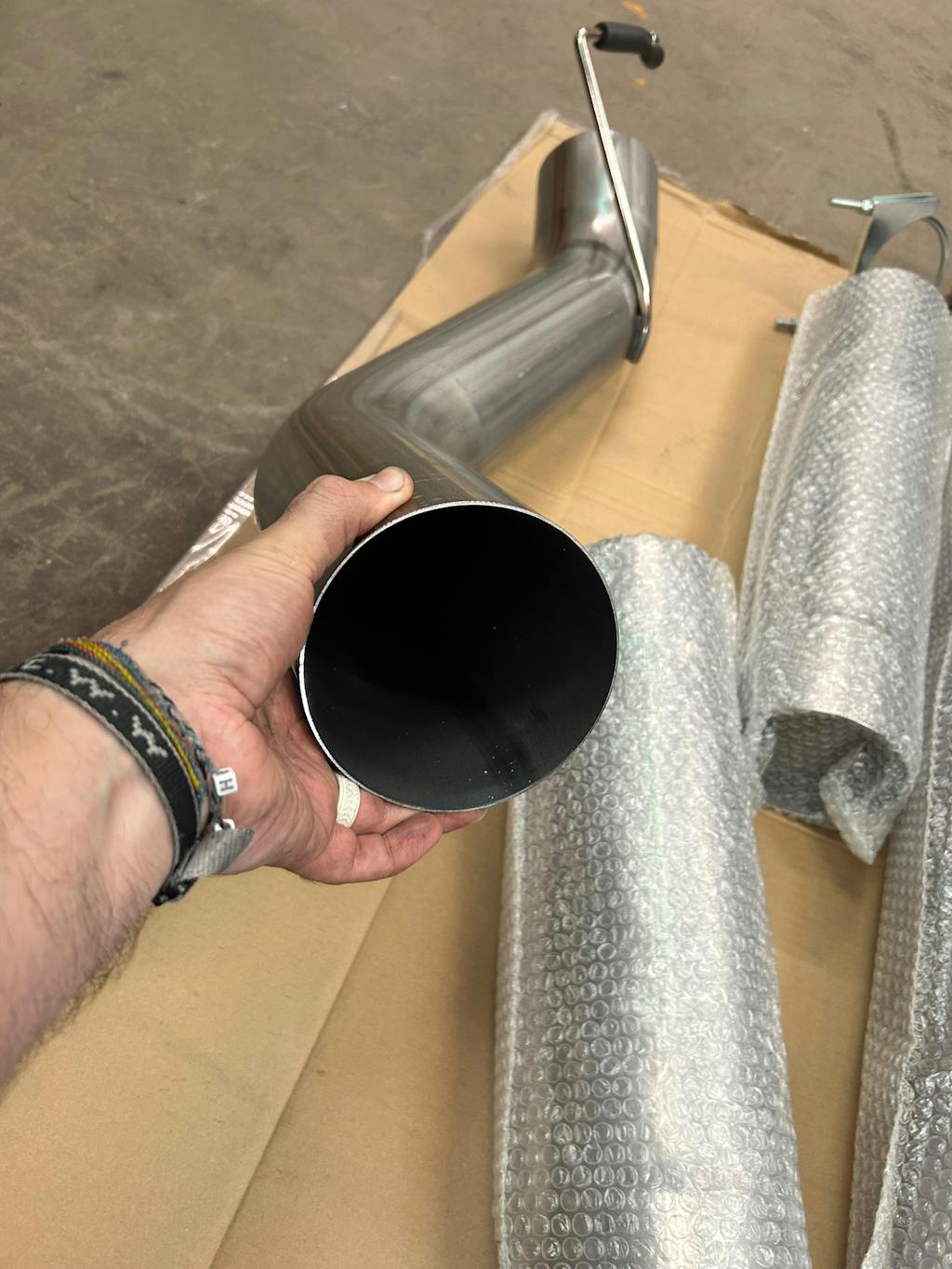
Honestly, the exhaust was much nicer than I expected fitment wise. It fit just as well if not better than exhaust systems I have installed in the past that were a few hundred more dollars. Shipping time was pretty good as well… received it the same week I ordered it. That’s about all I can speak on for now as I have only put about 100 miles on it.
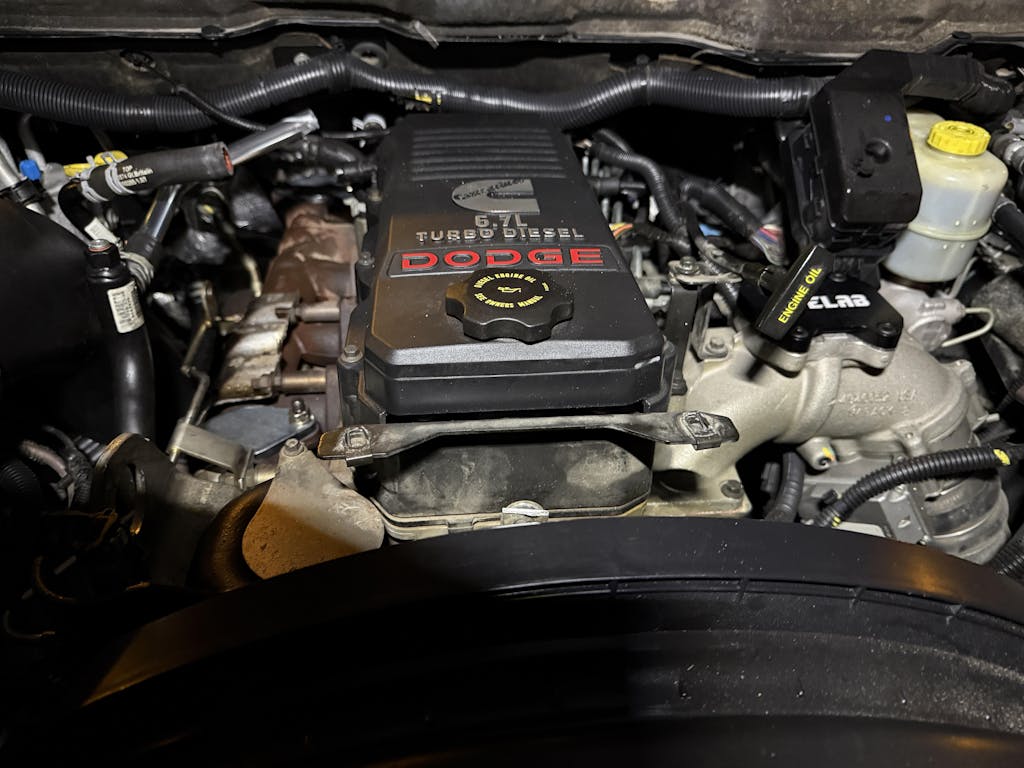
Everything you need and nothing you don't. The parts install really impressively smoothly.
Could definitely use better / ANY instructions, especially since youtube vids on deleting trucks have been taken down lately.
It took a day of searching and watching vids here and there to find out it is extremely important to go in a certain order:
1: install the tuner first
2: install a "smog equipment has been removed" tune even though the truck still has the equipment at the moment.
3: remove the dpf and egr bits
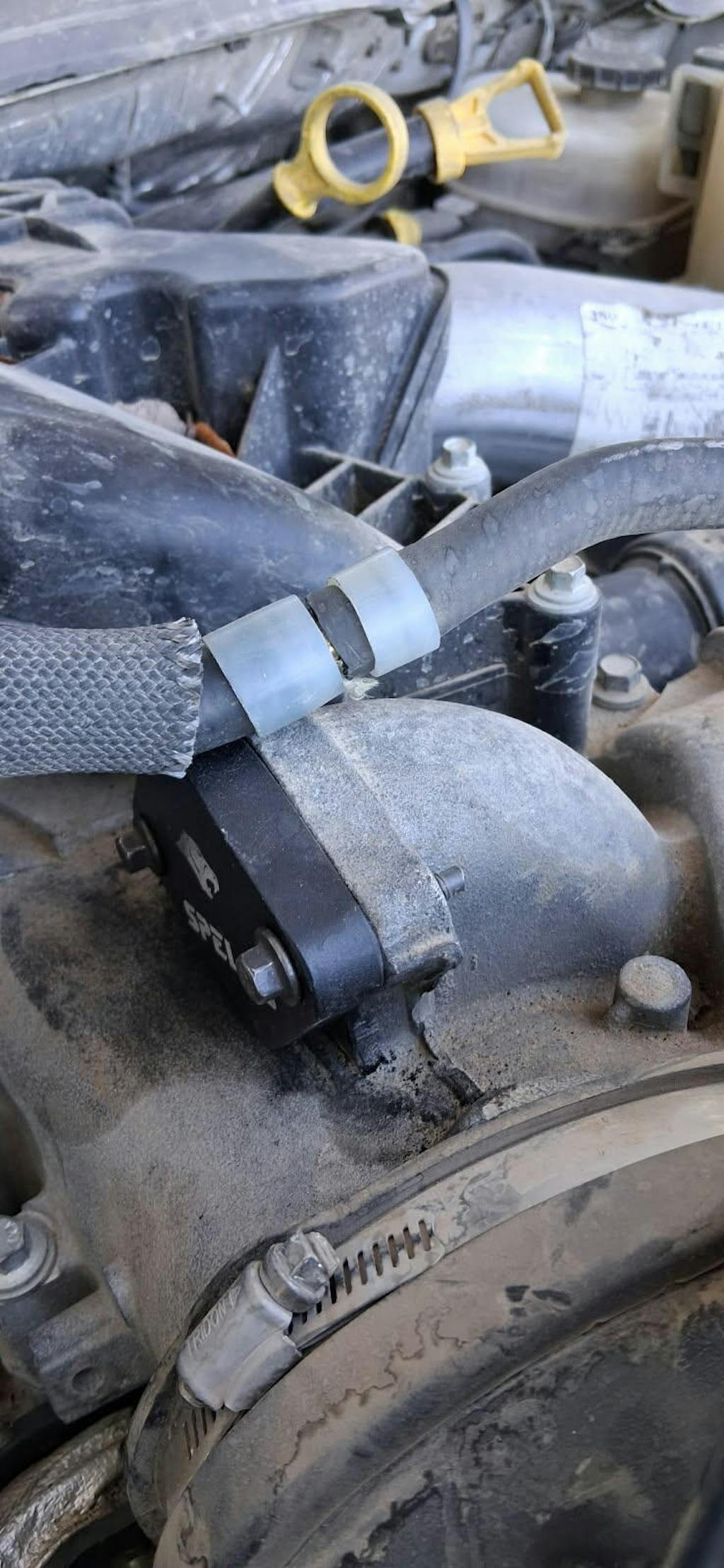
Money well spent. Install was simple. Do not misunderstand simple with easy. Although it was easy for me. Install of the MINI MAXX V2 was a bit different. The video provided on the site was not how my installation went. In fact it was very different. With that, it did go as expected. The tuner does have some what of a learning curve, not very much info out there now with all the bureaucratic garbage we, in the US, have to contend with. It is out there, just TOUGH to glein. The removal of that gargantuan nightmare of an exhaust filter was not for the faint of heart. It is heavy, and the connectors on all those sensors can be challenging. It will be worth the struggle. The removal of the Extra Grace Required part was the hardest part for me. Having had my exhaust and turbo out 2 times, one of the bolt heads got damaged in the last re-install. That took a huge amount of patience and correctly applied downward force and a special tool. FYI THE PYROS DO NOT READ CORRECTLY ON 2011 F350 IT WILL ONLY READ 1193°!
Then the block off bypass parts, easy install. Looks great and does everything I expected. As a plumber I was able to use some expansion couplings and cut the water tubes and did not use the supplied hose. Then back on the ground to install the exhaust pipe. That was a challenge. The hanger bracket wasn't quite on par and was bent a bit. Nothing like a torch and a quality set of Pittsburgh 3/4" box end wrenches. Got that squared away, lined everything out and the slip joint went in nicely. I only used one of the 3 bolt flange bolts because I saved 2 of the pressed in studs. The down pipe connector flange was a special kind of hurrah. Perseverance, busted knuckle, and lots of upward pressure, accomplished that.! Overall I like the kit, don't like it doesn't come with instructions, but if you're buying this kit I'm betting you're already a mechanic anyway. HUGE THANKS TO SPETUNER.
One more thing, FedEx delivered my 1st kit to 2 wrong addresses, SPETUNER made it right and sent out a new kit for my. That is worthy of my review!

Was easy to install